
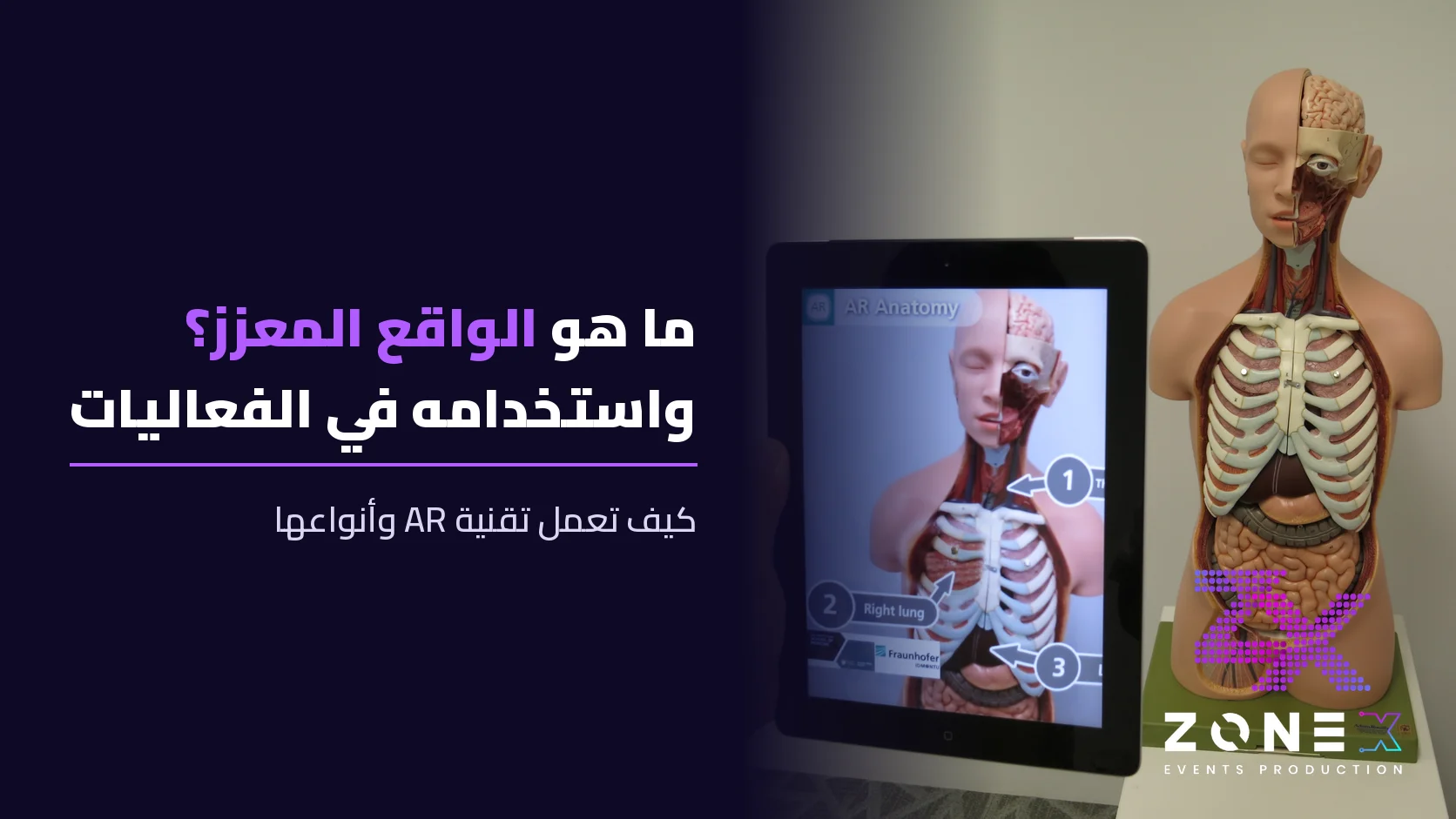
Quick summary: Augmented reality (AR) is a technology that overlays digital elements such as images, text, 3D models and sound on the real world in real time, through a phone camera, a tablet or smart glasses. Unlike virtual reality (VR), it does not isolate you from your surroundings; it adds to them. Brands use AR at events and exhibitions to showcase products interactively and attract visitors.
Saudi Arabia's Ministry of Communications and Information Technology describes augmented reality as a mix of information or visuals of the physical world with computer-generated graphics and audio, aimed at improving the user's experience of a task or product. This guide explains what augmented reality is, how it works, its types, how it differs from virtual reality, and how companies use it at events and exhibitions.
What is augmented reality (AR)?
AR integrates digital information with the user's real environment in real time. Instead of entering a fully virtual world, you look at your space through a phone screen or glasses and see digital objects anchored in the scene: a piece of furniture in your room, data over a machine, or an animated character on an exhibition table.
Is VR the symbol for augmented reality?
No. Augmented reality is abbreviated AR. VR stands for virtual reality.
How does augmented reality work?
- Capture: the camera and sensors (accelerometer, compass, GPS) capture the scene and the device's position.
- Recognition: the processor analyzes the scene to detect a surface, image or marker.
- Integration: the software places the digital object correctly and keeps it anchored as the user moves.
- Display: the result appears on the phone, tablet or smart glasses.
Many apps are built on ready-made platforms such as Apple's ARKit and Google's ARCore.
Types of augmented reality
| Type | How it works | Example |
|---|---|---|
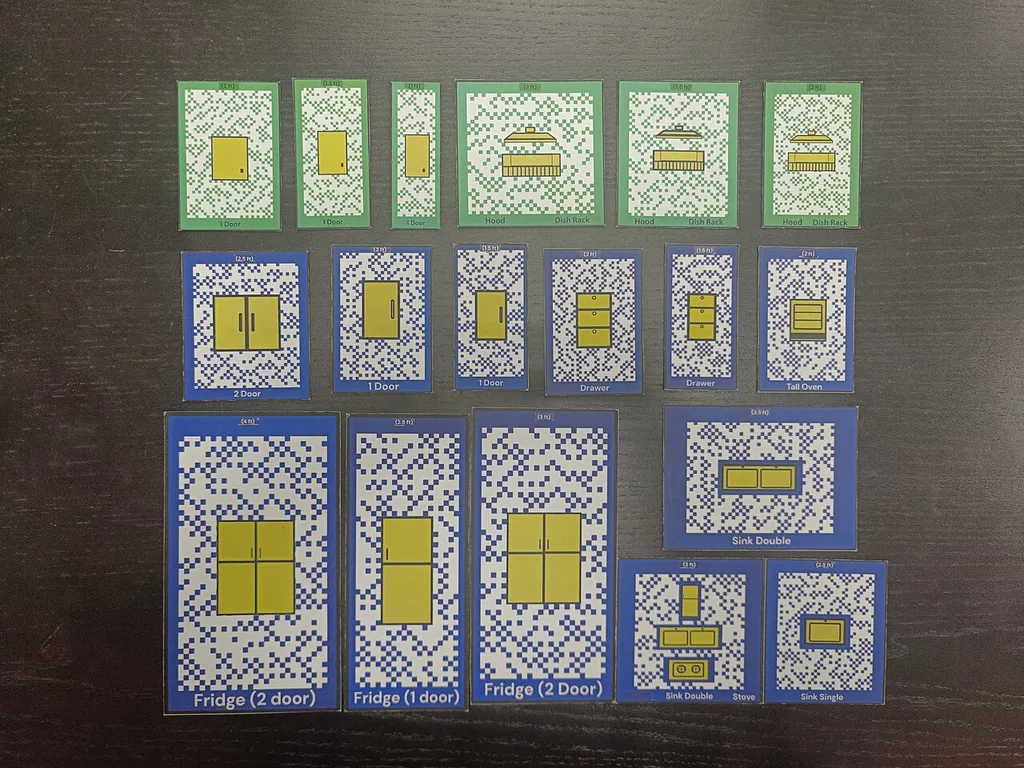
| Marker-based AR | The device recognizes a specific image or code and shows content on it | Scanning a brochure at an exhibition to see a 3D product |
| Markerless AR | Recognizes surfaces and objects without a predefined marker | Previewing furniture in your room before buying |
| Location-based AR | Uses GPS and compass to tie content to a place | Mobile games that place characters on the street |
| Projection-based AR | Projects light and images directly onto real surfaces | Interactive projection on a floor or wall at an event |
Augmented reality vs virtual reality
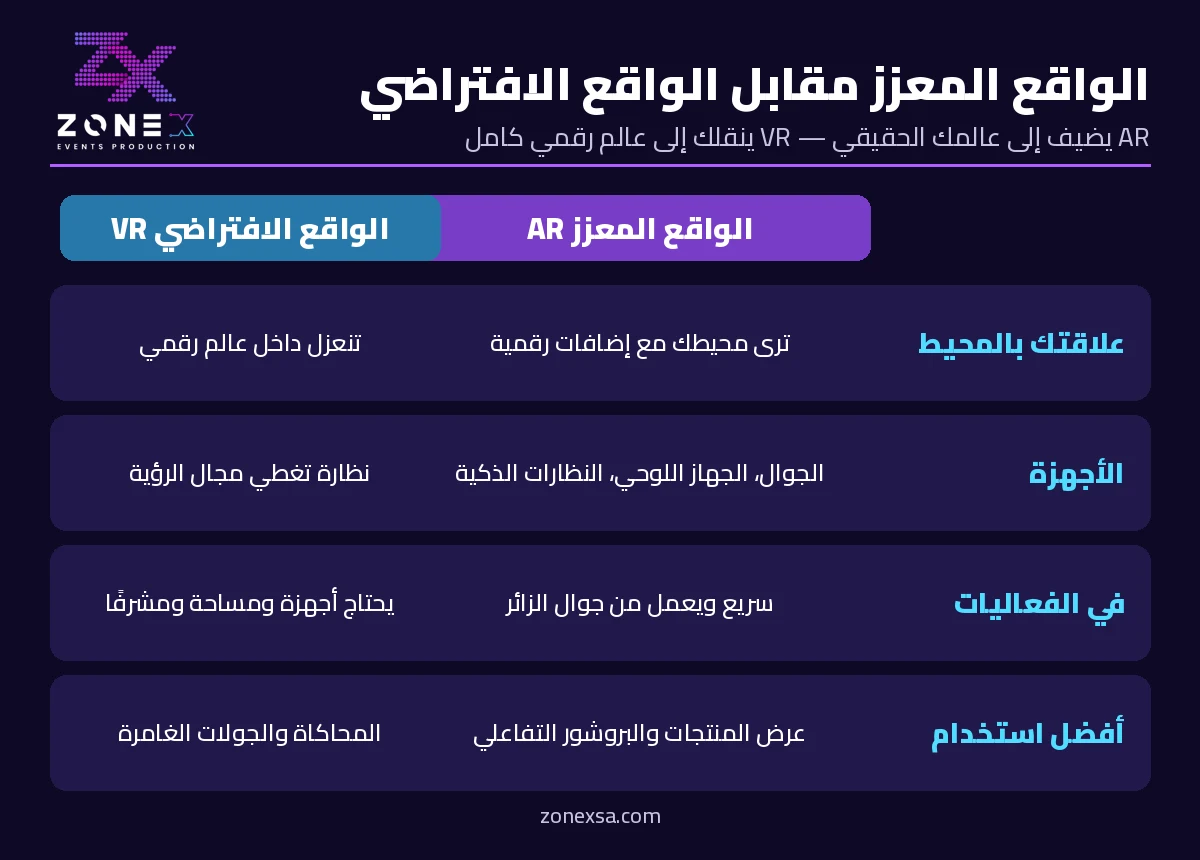
AR uses the real environment and places digital information on top of it, while VR fully immerses the user in a digital environment that replaces their surroundings.
| Aspect | Augmented reality (AR) | Virtual reality (VR) |
|---|---|---|
| Relation to surroundings | You see your real space with digital additions | You are isolated inside a digital world |
| Devices | Phone, tablet, smart glasses | A headset covering the field of view |
| Ease at events | Fast, can run on the visitor's own phone | Needs headsets, space and a supervisor |
| Best use | Product showcases, interactive brochures, wayfinding | Simulations, immersive tours, games |
For immersive experiences, see virtual reality for events.
Examples of augmented reality
- Face filters and effects in social media apps.
- Measuring apps that turn the camera into a digital tape measure.
- Previewing furniture and décor at home before buying.
- Location-based mobile games.
How to try an AR app on your phone
Most modern phones support AR through ARKit on iPhone and ARCore on Android. You can try it through camera filters, the AR Zone app on many Samsung Galaxy phones, furniture and retail apps, or QR codes at exhibitions that open a web-based AR experience without installing an app.
Augmented reality in education
Students can view 3D models of the human body, planets or science experiments on top of a textbook page and rotate and explore them. The same idea works for workshops, educational exhibitions and awareness events.
How companies use augmented reality at events and exhibitions
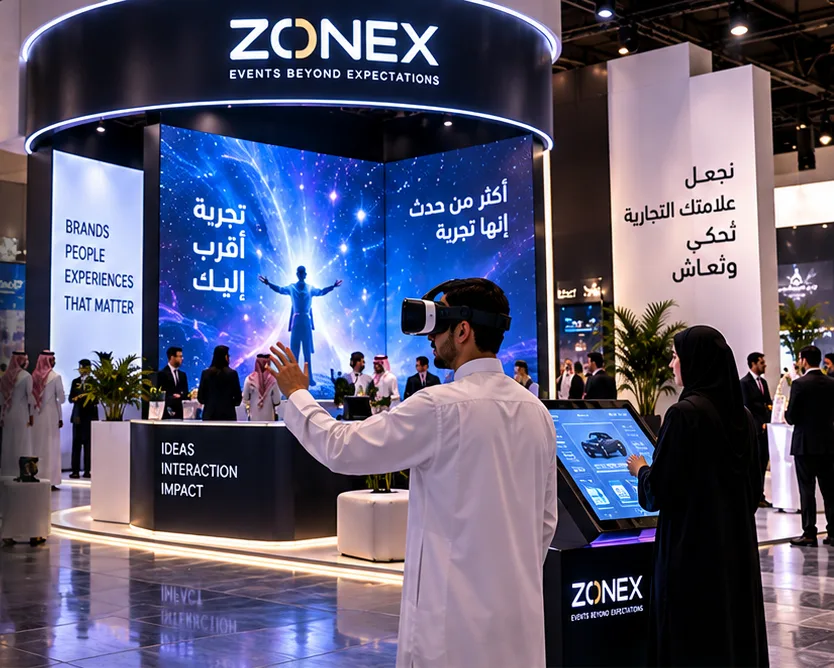
- Showcasing large or unavailable products as 3D models inside an exhibition booth.
- Interactive brochures and cards that play a video when scanned.
- Wayfinding arrows and information that guide visitors to halls and stands.
- Games and scavenger hunts that increase dwell time.
- Branded photo filters that attendees share on social media.
- Product launches with digital effects on giant screens.
How to plan an AR experience for your event
- Set the goal: product awareness, lead capture or engagement.
- Choose access: a dedicated app, a browser experience via QR code, or tablets at the stand.
- Prepare the content: branded 3D models and videos.
- Test on site: lighting, internet and marker placement.
- Measure results: launches, interaction time and leads.
Zonex delivers interactive brand experiences including AR, VR and interactive screens. To see which events suit these experiences, read types of events.
Frequently asked questions
What is augmented reality?
A technology that blends digital images, text, 3D models and sound with the real world in real time through a phone, tablet or smart glasses.
What is the difference between AR and VR?
AR adds digital elements to your real surroundings; VR takes you into a fully digital environment through a headset.
What are examples of augmented reality?
Social media filters, camera measuring apps, furniture preview apps, location-based games and interactive exhibition brochures.
Do I need special glasses for AR?
Not necessarily; most experiences run on a phone or tablet camera, and smart glasses are optional for more immersive use.
How is AR used in education?
By showing interactive 3D models over textbook pages or learning cards so students can explore them.